Bloomerang Interface Update
Updated NCOA Dashboard Navigation
Recently, Bloomerang made a change in their user interface and the navigation on how to access the TrueGivers NCOA.
Direct Navigation (link)
The same direct link (https://crm.bloomerang.co/Settings/Integrations/Settings) works, but the way to navigate there has changed.
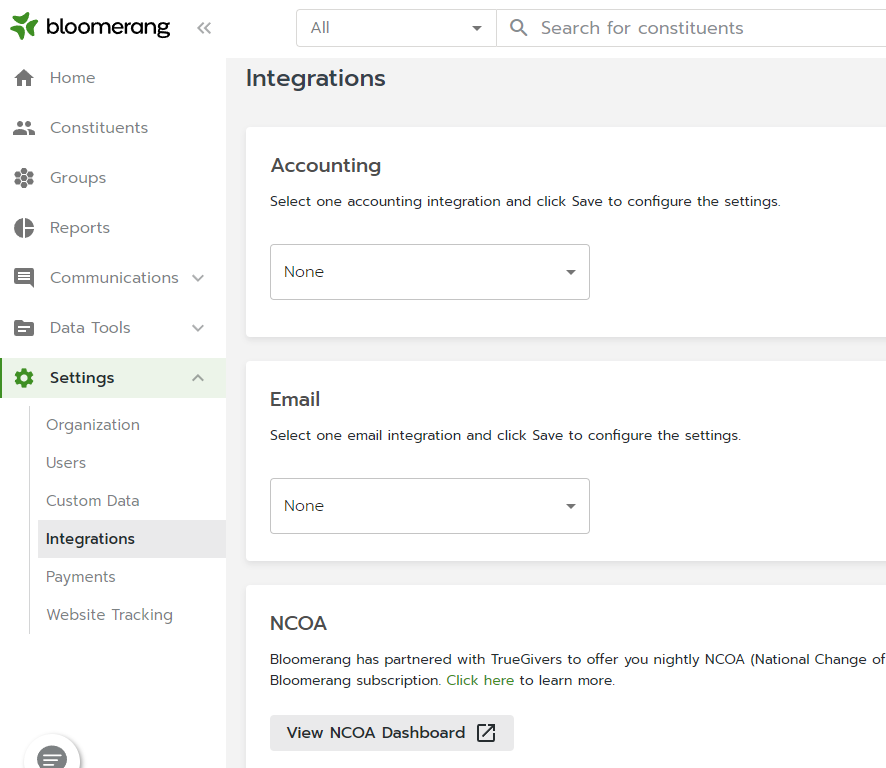
Old Navigation – Settings > Integrations > NCOA
This was the navigation to the NCOA Section that contained the link to the “View NCOA Dashboard”.
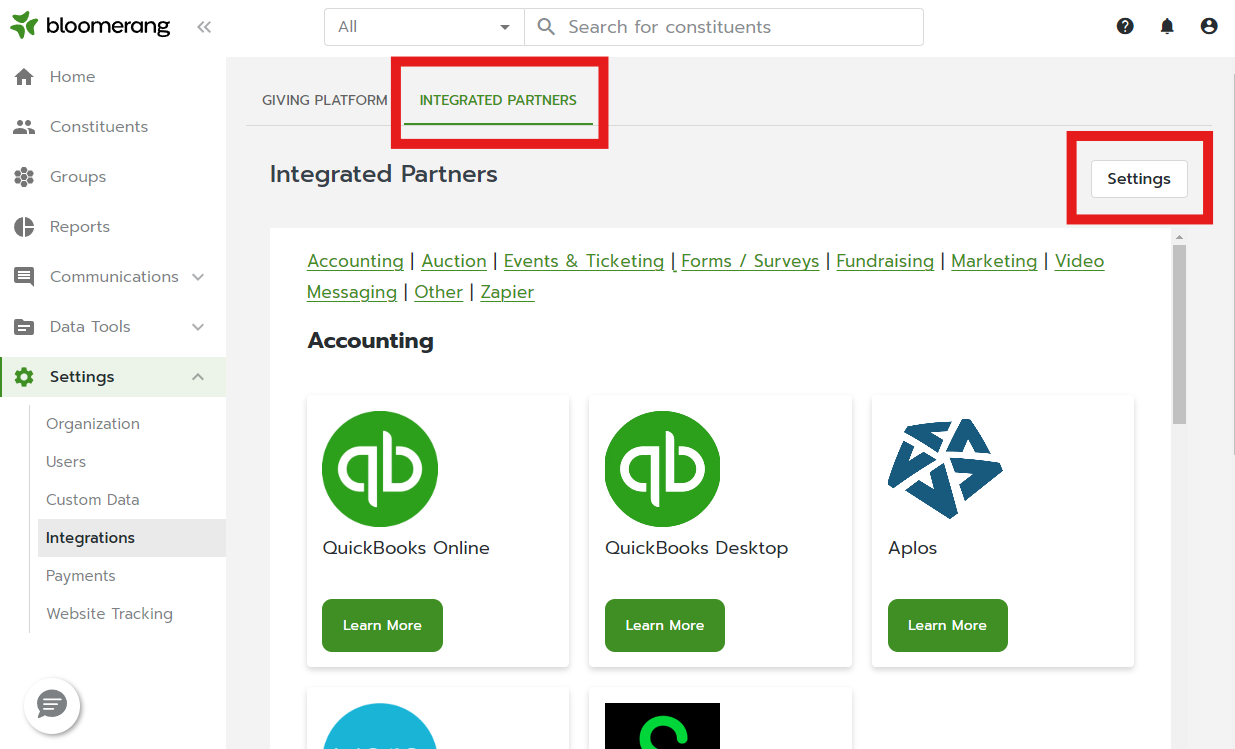
Updated Navigation – Settings > Integrations > Integrated Partners > Settings
The new navigation to the NCOA Section that contains the link to the “View NCOA Dashboard” is through the same Settings > Integrations, but now you need to click on “INTEGRATED PARTNERS” at the top, and then “Settings” in the upper right to take you to the old Integrations page that contains the the link to the “View NCOA Dashboard”.